The Turntables, in pictures
Almost no reading. Tape it to the wall next to the decks.
1What everything is
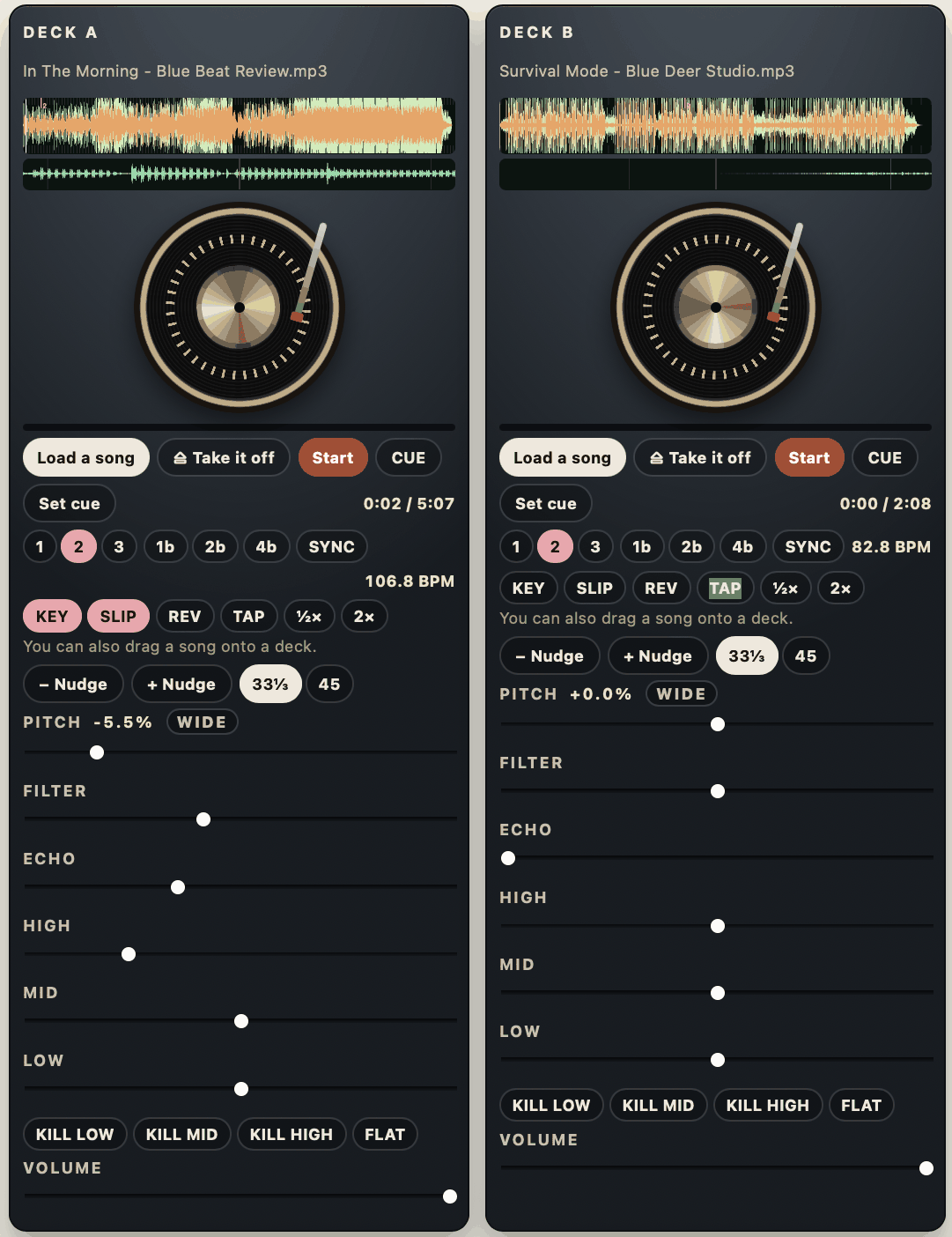
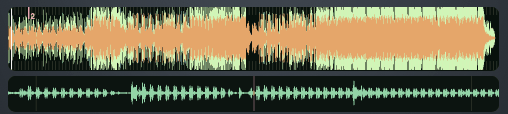 The song, drawnTall bumps are the drums. The thin strip under it is a close-up of where you are right now.
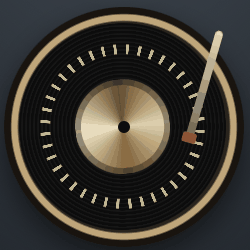 The recordDrag it to scratch. Hold it still and it goes quiet, the way vinyl does.
 Load · Start · CUEStart goes and stops. Set cue marks a spot; CUE jumps back to it.
 SYNC, and the BPMMatches this deck to the other one. The yellow number is how fast this song is.
 NudgeSlides the beat a hair forward or back, without changing the speed.
 PITCHA little faster, a little slower. This is how you match two songs by hand.
 KILL LOWTakes the bass out. Press it on the song coming in, then swap.
 VOLUMEHow loud this deck is.
2Get a song on there
The song stays on this computer. Nothing is uploaded anywhere.
 Load a songMP3, M4A or WAV, from this computer.
 It draws itselfWait a second. The tall bumps are the drum hits.
 Press StartThe red one. Now put a hand on the record.
3If scratching feels too fast
One button fixes it. It sits under the two decks. Click it to change it.
 Start hereYour hand moves a long way, the music moves a little. Easiest to control.
 When your hand is steadyThe middle setting.
 Like a real record — very touchyThe screen is small and a real record is the size of a dinner plate, so at 1:1 the smallest movement is a big move in the music. This is the setting that makes people say they cannot do it.
4Four scratches
Green = push forward. Red = pull back. Two hands: one on the record, one on the crossfader under the decks.
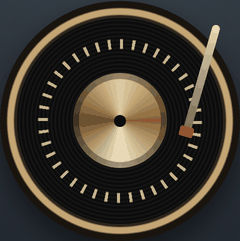
 stays in the middle the whole time
BabyEasy
Push the record forward, then pull it back. The fader never moves. Say hmm-hmm while you do it.
open on the push · across on the pull
ForwardEasy
Push forward with the fader open. Slide the fader across, pull back silently, slide it back. Only the push is heard.
opens and closes inside one push
ChirpMedium
Open as you push, close before the push ends. A short bird sound.
stays in the middle
TearMedium
One push. Then pull back in two pieces — fast, then slow. Fader open. It tears.
Set Fader: Cut (under the decks) before you try the forward scratch. On Blend the fader fades instead of cutting, and the pull-back is still heard.
5Lining two songs up
Two songs only sound like one when the numbers agree. Watch the yellow BPM on each deck.


Wrong
106.8 against 99.8. The beats drift apart and it sounds like two songs fighting.

Right
106.8 against 106.7. Close enough. Now you can move the crossfader.
Drag PITCHOn the slow deck. Watch its BPM climb toward the other one.
Then NudgeSame speed but landing late? Nudge it forward a hair.
Or press SYNCDoes it for you. Try by hand first — it trains your ear.6Swapping to the next song
The crossfader lives under the two decks. Count 32 beats to get from one side to the other.
 Hard left — only deck ADeck B is silent, however loud its volume is.
Middle — both decksWhere a mix happens. Also where you leave it to scratch.
Hard left — only deck ADeck B is silent, however loud its volume is.
Middle — both decksWhere a mix happens. Also where you leave it to scratch. Hard right — only deck BThe swap is finished.
 KILL LOW, halfway acrossTwo kick drums at once is mud. Bring the new song in with its bass killed, then at the halfway point swap: bass out of the old one, bass into the new one.
7Your record crate
Under the crossfader. It keeps your songs, even after you close the tab.
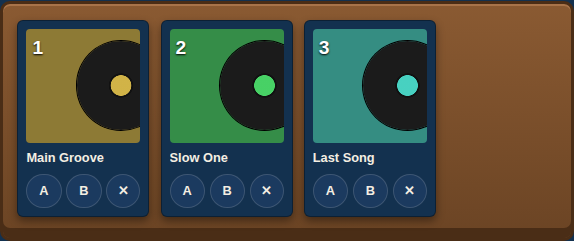 Up next — pack the crate before the setPress Add songs and pick all of them at once. They stand in the crate in order. When it is time, drag a record onto a deck, or press A or B under it. It goes on the platter and leaves the crate.
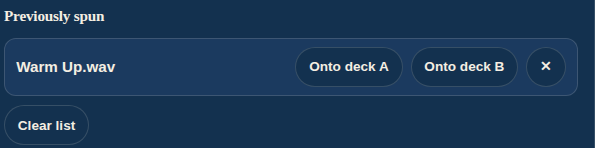 Previously spunThe last eight records you played. One press puts any of them back on a deck.
Closed the tab by mistake? Open the Turntables again. Both records go back on, stopped right where you left them.
8Nothing is happening
-
No sound from deck AThe crossfader is all the way over to B. Slide it back to the middle.
-
No sound at allStart was never pressed. It is the red one.
-
Sound, but it will not scratchYour hand is on the gold rim. That is the motor. Touch the black record part.
-
Way too fast to controlIt is set to 1:1 vinyl. Click the button until it reads Platter: fine.
-
The file will not loadA song rented from a streaming app is locked. Use a file you own.
 My song is goneLook in Previously spun under the crossfader and press Onto deck A.
-
Both songs sound like mudTwo bass drums at once. Press KILL LOW on one of them.