Make a hit on the Drum Machine
Eight steps, from a beat to a whole song. Every picture is the real Drum Machine, as it looks in the Studio.
★Start here · the Drum Machine
Four banks of 24 pads. Each bank has one job.
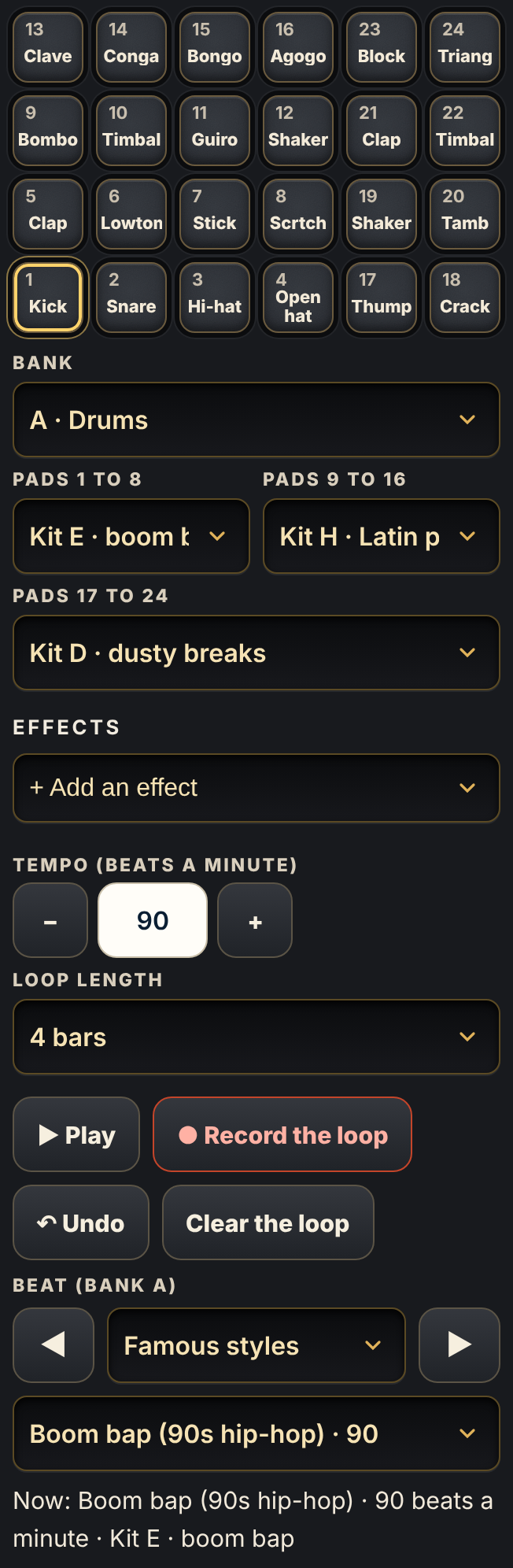
 BankA drums · B chords · C notes · D chops of a record.
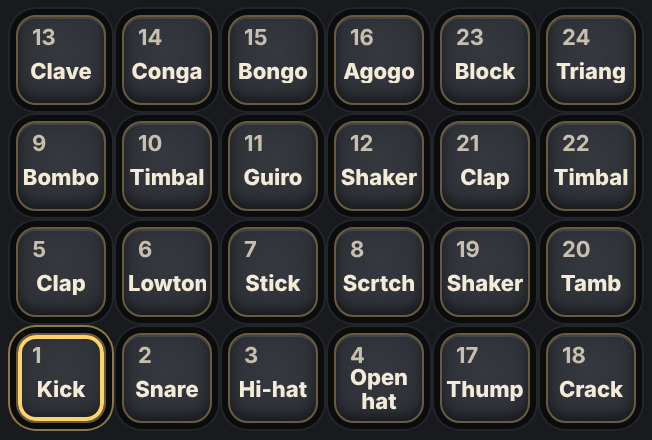 The padsTap one. Near the middle plays louder.
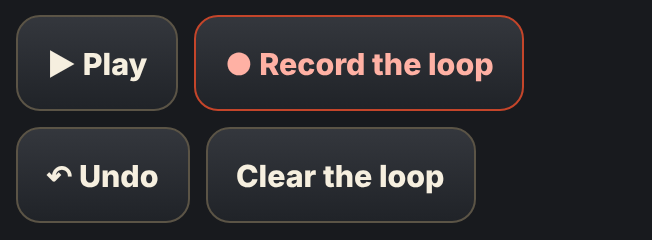 Play and recordRecord the loop keeps what you tap. Undo takes it back.
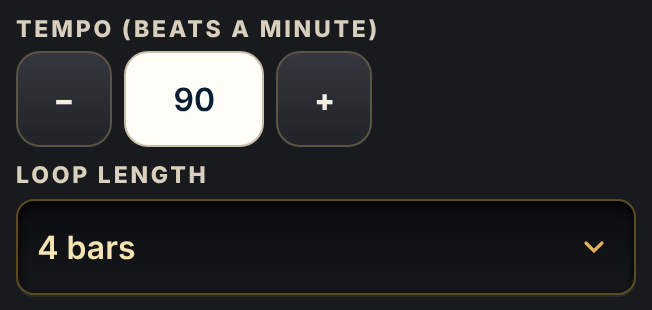 The feelHow fast, and how many bars.
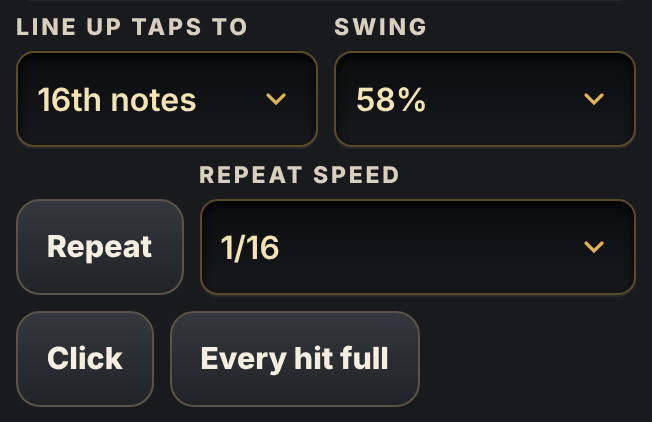 HelpersIn More, under Timing and repeat: swing, Repeat and Click.
 Keep itYour loop on My Track, with no gap. Save as .wav and the turntables are in More.
1Pick a beat
Bank A. 198 beats in 24 styles.
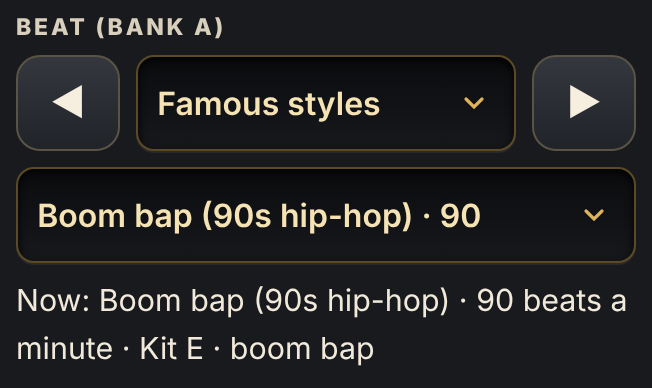
- Under Beat, pick a style. Then pick a beat.
- Press ▶ Play.
- Tap ◀ or ▶ to hear the next beat. It keeps playing.
- Each beat brings its own drums and tempo. Most are 4 bars, with a fill at the end.
- Does your head nod? Keep it. If not, try another.
Try this: Famous styles → Boom bap (90s hip-hop). Or Trap, drill and phonk → Ice-cold trap.
2Make the beat yours
Change one or two hits. Not more.
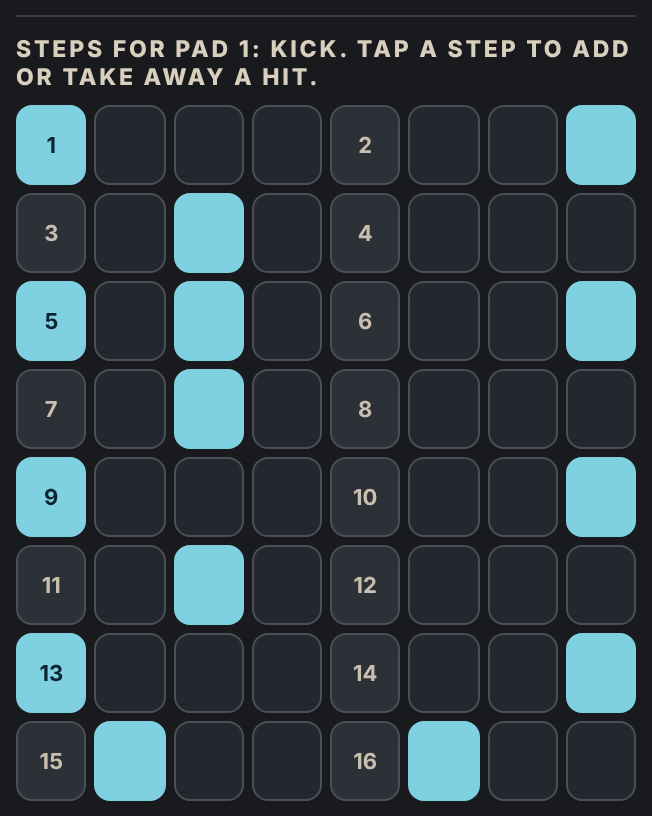
- Tap a pad to pick it. Its steps show below the beat.
- Tap a step to add a hit. Tap it again to take it away.
- Listen. Keep what makes it better.
Try this: Turn on Record the loop. Tap the snare near its edge, just before beat 2. A soft “ghost” hit makes it groove.
3Set the feel
Tempo, length and swing.
- Tempo: 85 to 95 for hip-hop. 120 to 128 for dance.
- Loop length: the beat sets it. Pick 8 or 16 bars for a longer part.
- Swing is in More → Timing and repeat. Each beat brings its own. 54 to 58 % makes it bounce.
4Add chords
Bank B. Four chords, one a bar.
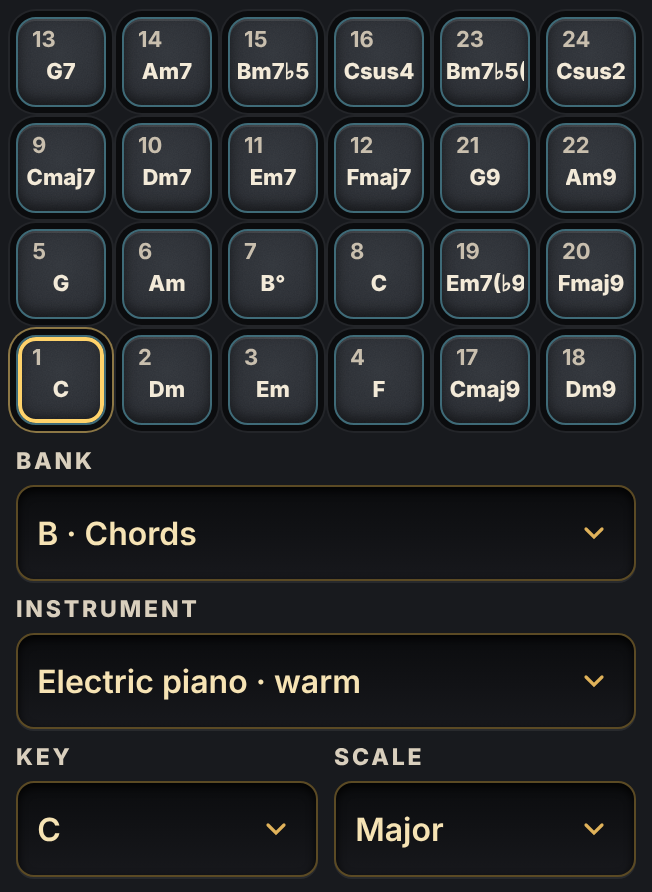
- Pick Bank B. Pick an instrument and a key.
- Turn on Record the loop.
- On the first beat of each bar, tap pads 1, 5, 6, 4.
- Hold each pad for the whole bar.
Try this: Those are the chords of a thousand hit songs. For a sad song, pick Minor. For a smooth sound, try pads 9 to 24.
5Add the bass
Bank C. Same key as the chords.
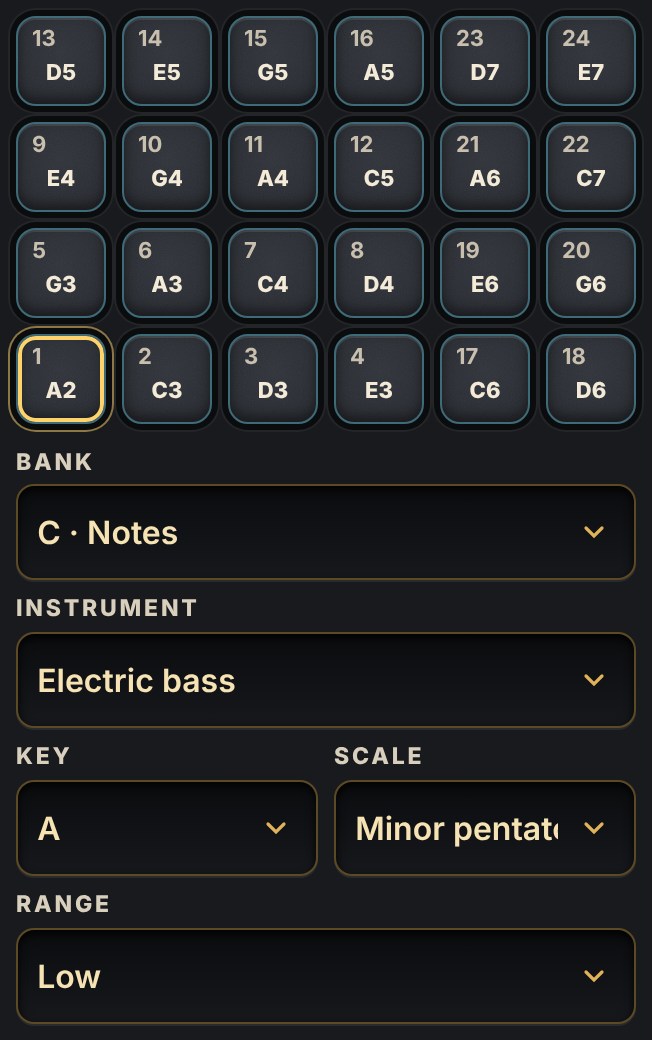
- Pick Bank C. Set Key and Scale the same as bank B (C, Major).
- Now pads 1, 5, 6, 4 are the chords' own low notes.
- Record them with the kick: same bars, same pads as the chords.
Try this: Kick and bass together hit hardest. Let the bass rest when the kick rests.
6Sprinkle chops
Bank D. A record, cut into 24 chops.
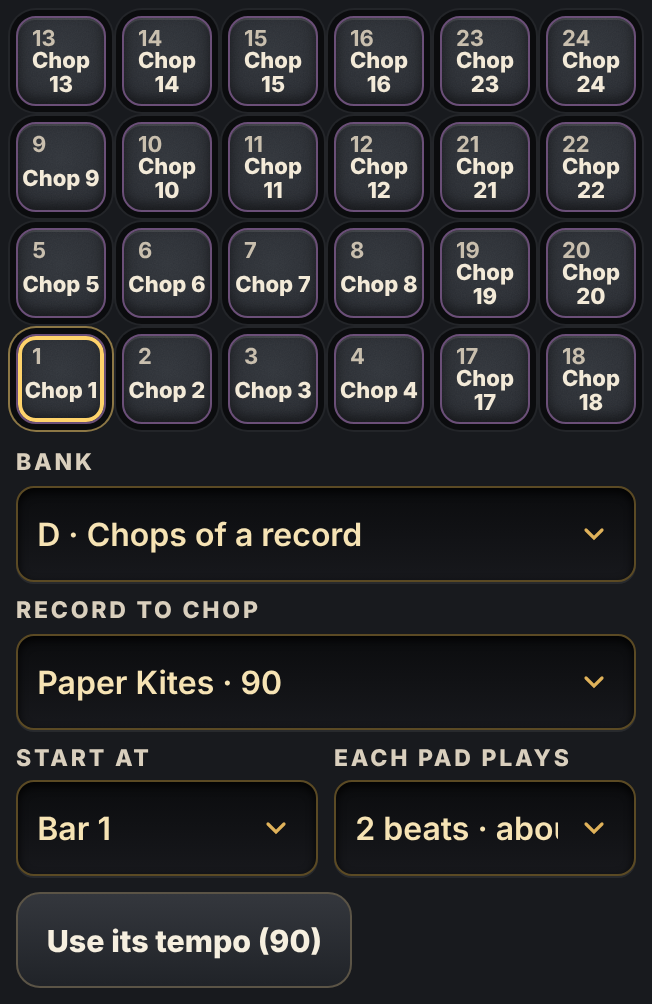
- Pick Bank D. Pick a record. Press Use its tempo.
- Tap the chops to find a sound you like.
- Record one in the gaps, near the end of bar 2 and bar 4.
Try this: A little goes a long way. One chop every two bars is plenty.
7Mix it
Each pad has its own volume, pitch and place.
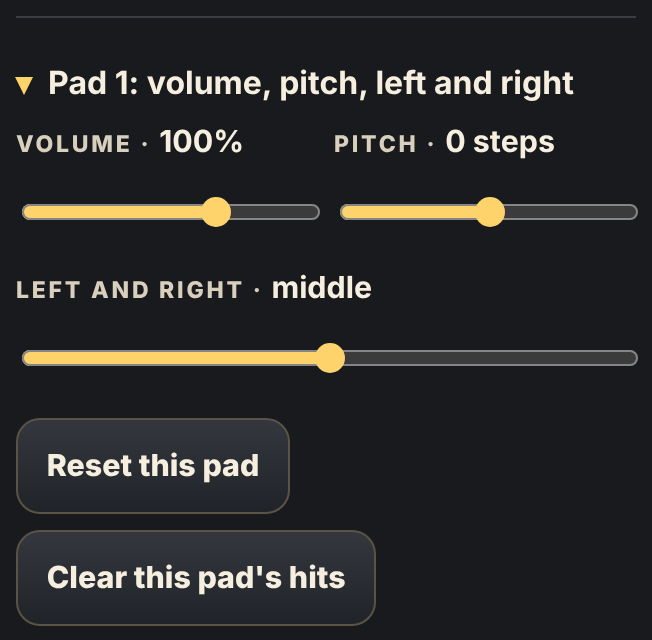
- Open the pad's settings under its steps.
- Kick and snare loudest. Hi-hats softer, about 70 %.
- Move the hi-hats a little left, the chops a little right.
- Pitch a chop down 3 to 5 steps for a deep, dark sound.
Try this: Add an effect adds echo, reverb and more to the whole loop. One is often enough.
8Build the song
A song is your loop in parts: quiet, fuller, then everything.
- Chorus: with everything playing, press + Add the loop to My Track.
- Verse: on bank D, Clear this pad's hits on the chops. Add the loop to My Track again.
- Intro: clear the drums and the bass too, so only chords play. Add the loop to My Track again.
- Undo brings every part back.
- Open the Mixing Desk, the last room in the Studio. Put each part on its own track. Set where it Starts at bar and how many times it Plays.
⚡Five secrets of hit songs
- Leave space.The quiet gaps are part of the groove.
- Kick and bass together.They hit as one, so the song feels strong.
- Soft and loud.Soft hits between loud ones make it move. Tap away from the middle.
- Change something every 4 or 8 bars.Add a sound, take one away, or add a fill. The beats already fill bar 4.
- Stop before the chorus.One beat of silence, then everything at once.
?Nothing is happening?
- ?No soundTap a pad once. A phone wakes its sound on the first tap. Turn the phone's volume up.
- ?The pads look greyThe sounds are on their way. Wait for “Ready”.
- ?The drums changedEach beat brings its own kit. Pick another kit under Pads 1 to 8.
- ?The chords and bass clashBank C needs the same Key and Scale as bank B.
- ?I played, but it did not stayTurn on Record the loop first. It turns red.
- ?My beat is gonePress Undo. Press it again to go back further.
- ?The pads feel lateBluetooth headphones add a delay. Use the phone's speaker or wired headphones.