The Piano, in pictures
Almost no reading. Keep it next to the piano. Every picture is the real piano.
★Start here · the whole piano
Top to bottom: the sound, the chords, the chord wheel, the keys, and the dial.
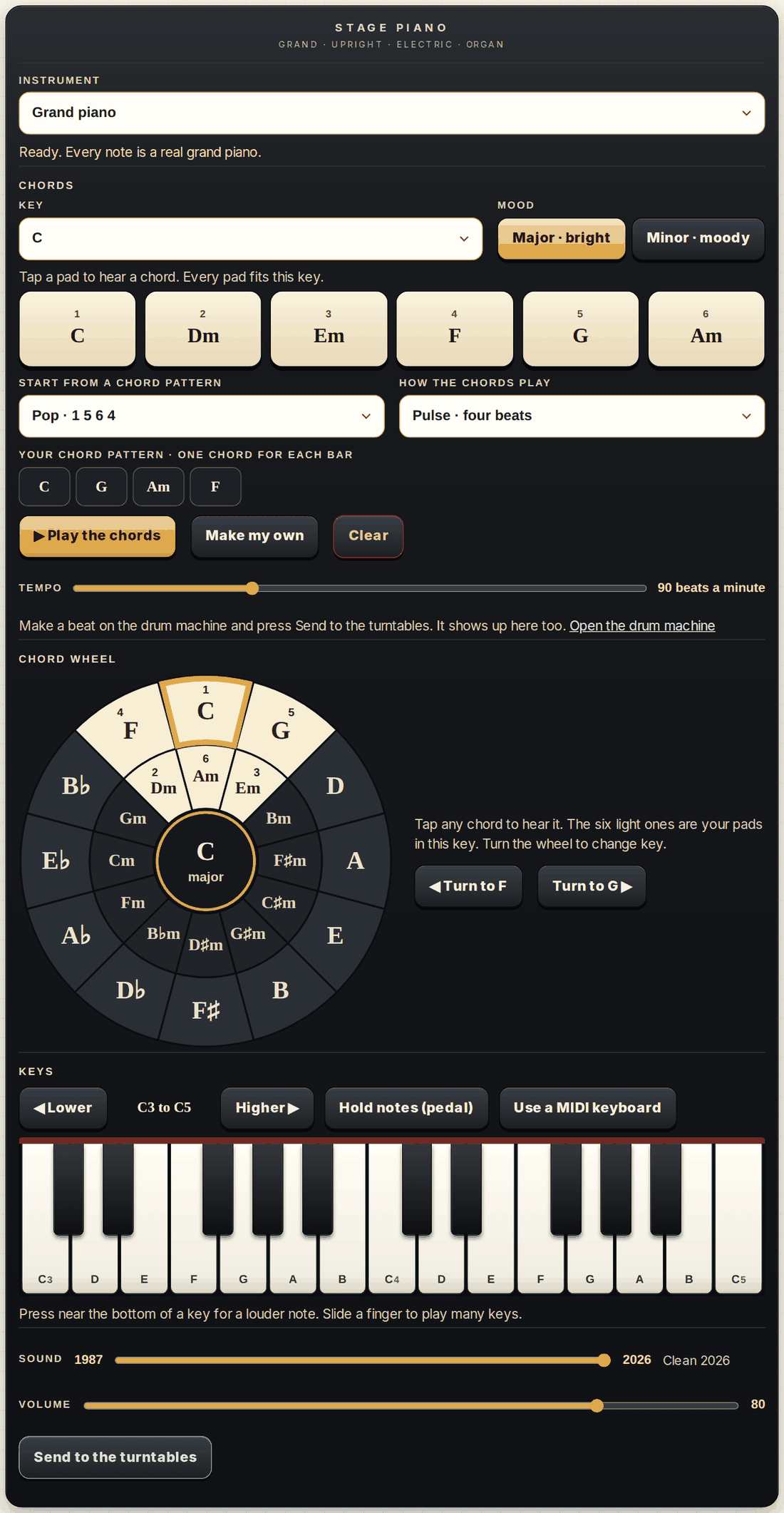
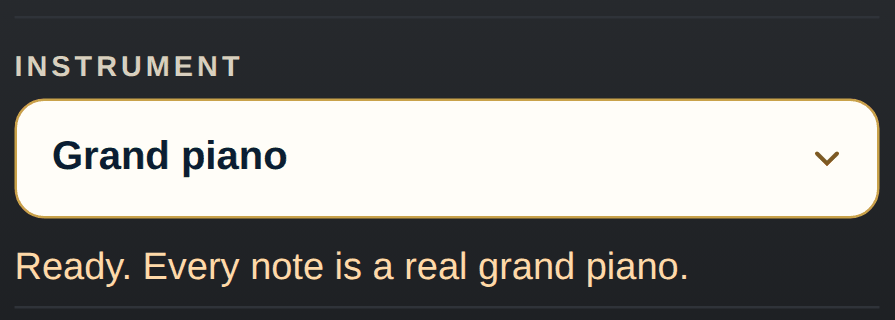 Instrument34 sounds in eight groups. Every one is a real recording, from the grand piano to the church organ and the bells.
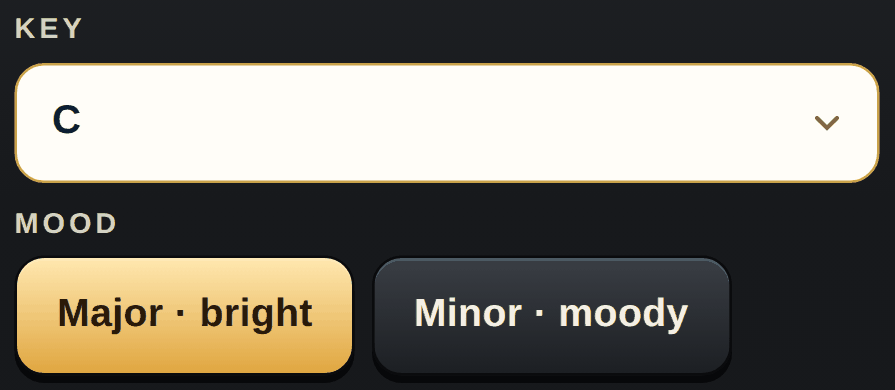 Key · MoodKey moves every chord up or down. Major is bright. Minor is moody.
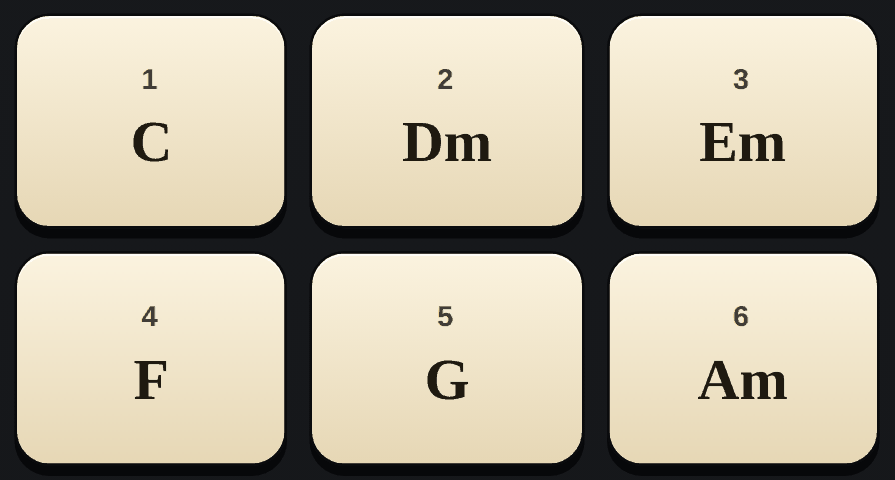 The six padsTap one: a chord that fits the key. Pad 1 is home.
 Pattern · How the chords playPick a chord pattern. Then pick how it plays: long, in beats, one note at a time, or off the beat.
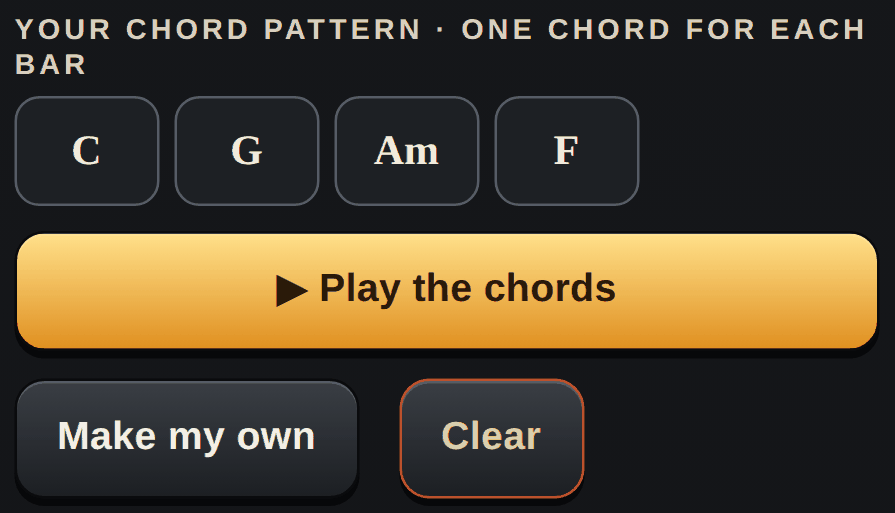 Your pattern · Play · Make my own · ClearOne chord for each bar. Orange plays and stops. Make my own: tap pads in order.
 TempoSlower or faster.
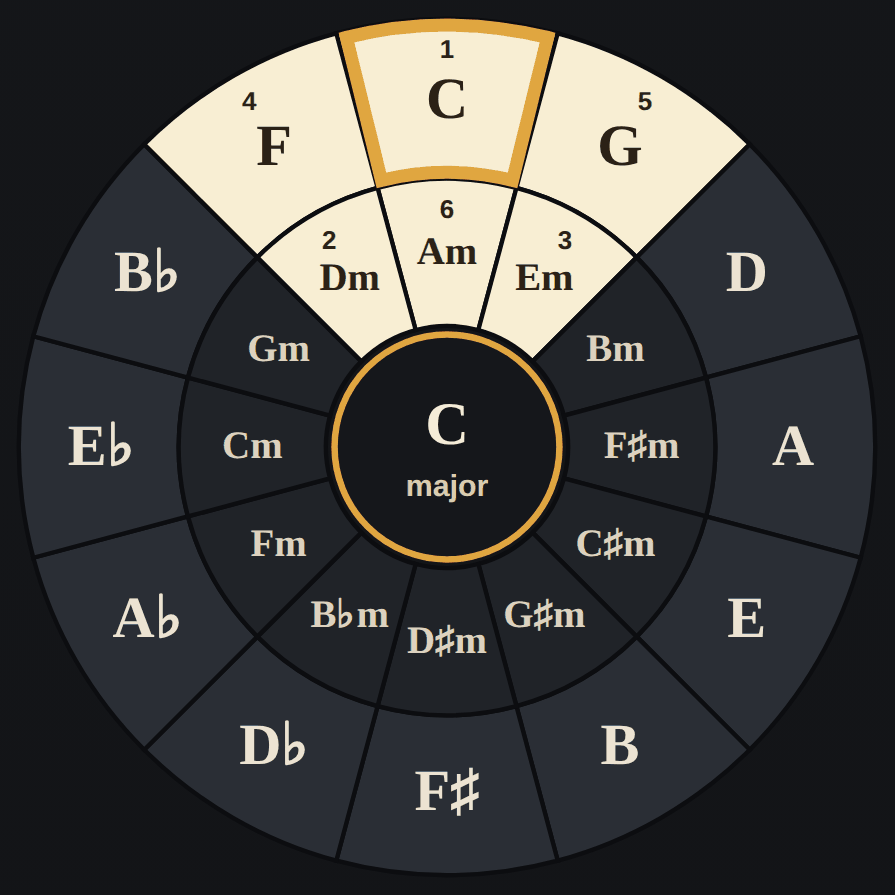 Chord wheelEvery chord in a circle. The six light ones are your pads. Tap one to hear it.
 Lower · Higher · Hold notesMove the keys down or up. Hold notes is the pedal.
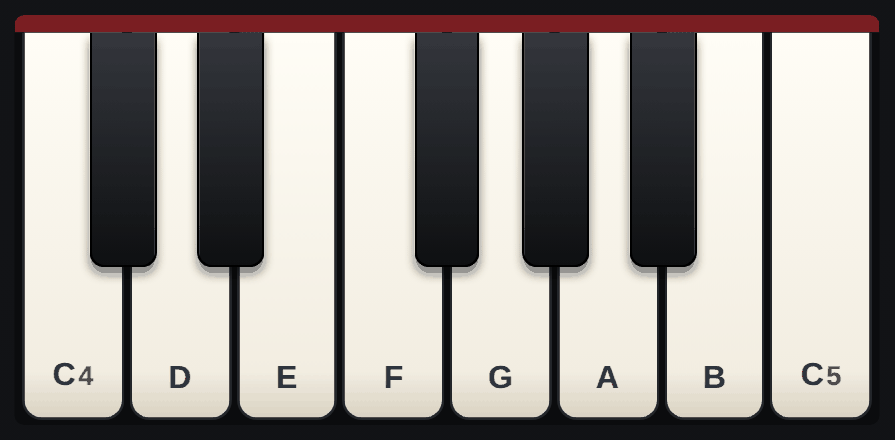 The keysPress near the bottom for a loud note, near the top for a soft one. Slide a finger to play many.
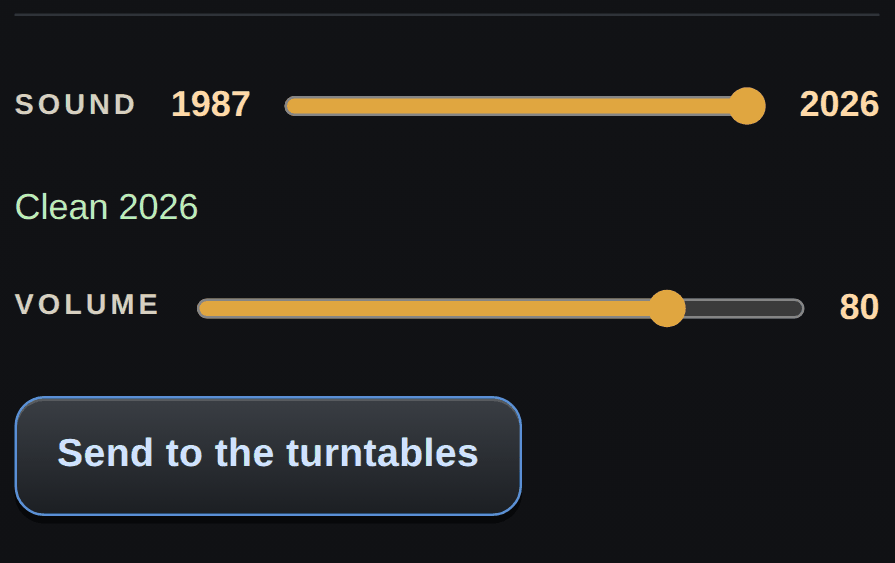 Sound · Volume · SendLeft: 1987 crunch. Right: clean 2026. Send makes a recording for the turntables.
1A song in two taps
Pick a pattern. Press Play. That is a song.
 Pick a patternPop is a good first one.
 Press PlayThe orange button.
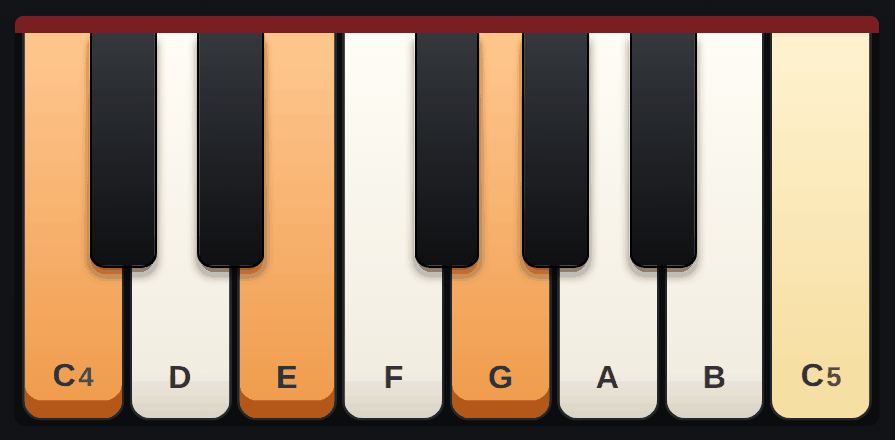 Watch the keysOrange keys are playing. Pale keys fit the chord.
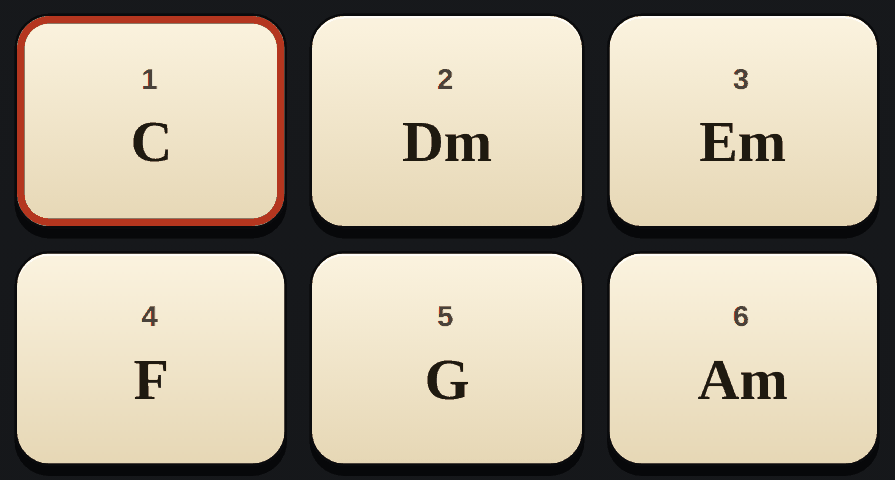 Watch the padsThe red ring shows the chord now.
2Find C
Black keys come in groups of two and three. C is just left of the two.
3Soft, loud, and the pedal
Hold notes · the pedalOn: notes keep ringing after you let go. Off: they stop. On a computer, hold Shift.4A chord with your hand
Play one, skip one, play one, skip one, play one.
5The six pads, in any key
The numbers are steps of the scale. They mean the same thing in every key.
- 1Home. Songs often start and end here.
- 2Moody. Leads on to 5.
- 3Moody, soft.
- 4Bright. Away from home.
- 5Bright. Wants to go home: tap 5, then 1.
- 6Moody. The sad friend of 1.
In Minor the pads become 1, 3, 4, 5, 6 and 7, and the moody chords lead.
6The chord wheel
Every major chord goes round the outside, its minor just inside. Tap any chord to hear it.
Your six padsThey sit together, with their numbers. Gold ring: home.
 Turn the wheelOne step changes the key. The pads follow.
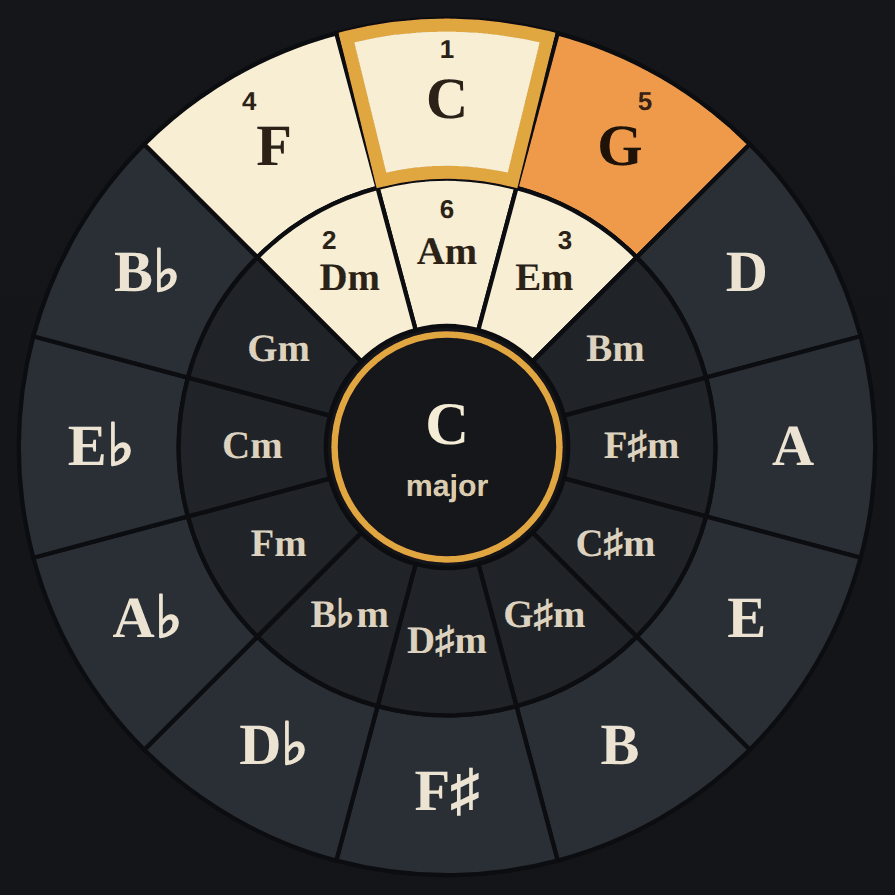 Watch it playThe chord playing now is orange.
With Make my own on, a tap on the wheel adds that chord to your pattern. Any of the 24 can join.
7Make your own pattern
 Clear, then Make my ownClear empties the pattern.
Tap padsIn the order you like. Up to 8.
 End on 1It sounds finished.
Press PlayYour pattern goes round.
834 sounds, eight groups
Same keys, different color. That color is called timbre.
9With the drum machine and the turntables
 Back on the pianoPress Play with my drum beat, under Tempo.
Press PlayYour chords play in time with the beat.
 SendOn the turntables it is under From the piano.
10On a computer
Each key shows its letter. The letters stay put when you move up or down.
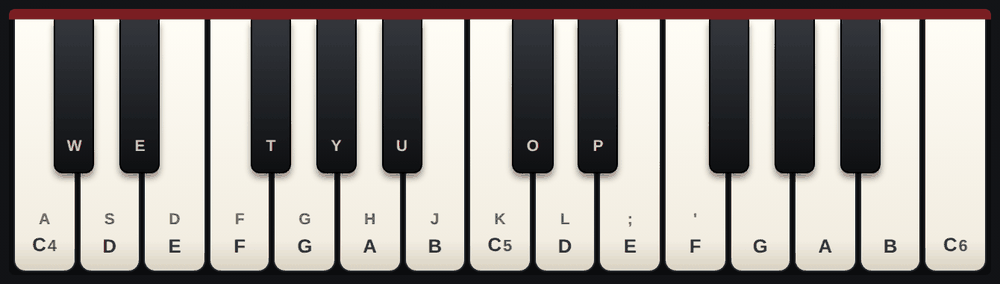
- A S D F G H J KWhite keys, C up to C
- W E T Y U O PBlack keys
- ShiftHold for the pedal
- 1 – 6The six pads
- Z · XLower · higher
- SpacePlay and stop
11The lessons
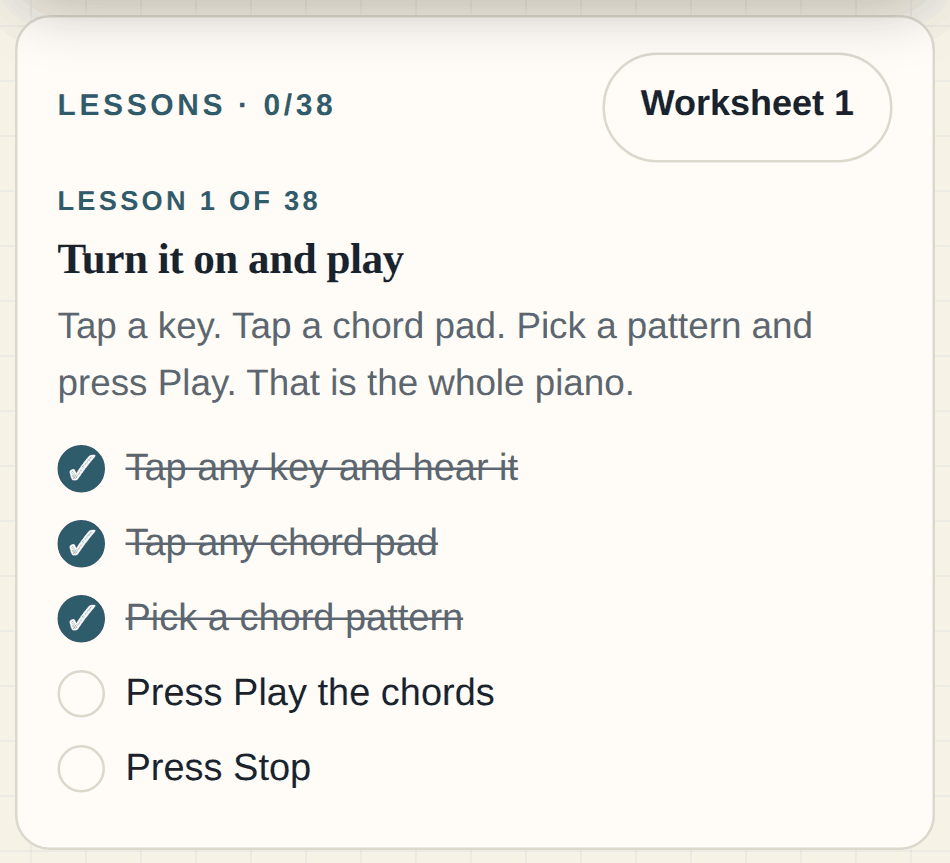
Pick a lesson in the Lesson menu. Do the steps on the piano. They tick themselves.
?Nothing is happening?
- ?No soundTurn Volume up and tap a key once. A phone wakes its sound on the first tap. An iPhone plays even with the silent switch on.
- ?“Getting the grand piano ready…”The recordings are on their way. Until then you hear a sound made on this page.
- ?Play does nothingPick a chord pattern first, or press Make my own and tap some pads.
- ?The tempo will not movePlay with my drum beat is on. The drum beat sets the tempo. Press it again to turn it off.
- ?A MIDI keyboardPress Use a MIDI keyboard and plug it in. The line under the buttons says when it is ready. No button? This browser cannot use MIDI. On a computer, try Chrome or Edge.