The Telescope, in pictures
Six missions. Each one opens the next. Every picture below is the real telescope.
iWhat everything is
The eyepiece is on the left. Every control is in the panel on the right, and the knobs are under the eyepiece.
 Lens capOff to see anything.
 MountLocked holds the sky still.
 Eyepiece25 mm is the widest and easiest. 6 mm is the biggest.
 BarlowDoubles the size. Not the detail.
 TargetWhat you point at. Tapping one centers it.
 SkyNight, rising, day or setting — for the Moon.
 ReticleA ruler in the eyepiece. Measure uses it.
 CoarseBig focus moves.
 FineSmall focus moves. Use it after changing eyepieces.
 Eyepiece (knob)Turns the eyepiece. Finds dust on the glass.
 Missions (teacher)Locked opens one control at a time. Lock it before a student sits down.
How big? 900 ÷ the eyepiece. 25 mm = 36× · 10 mm = 90× · 6 mm = 150×.
1Make the telescope work Mission
Cap off. Lock the mount. 25 mm. Coarse focus on the Moon.
Cap: OffPress Off.Mount: LockedPress Locked.25 mmStart on the widest.CoarseSlide it until the corner says In focus.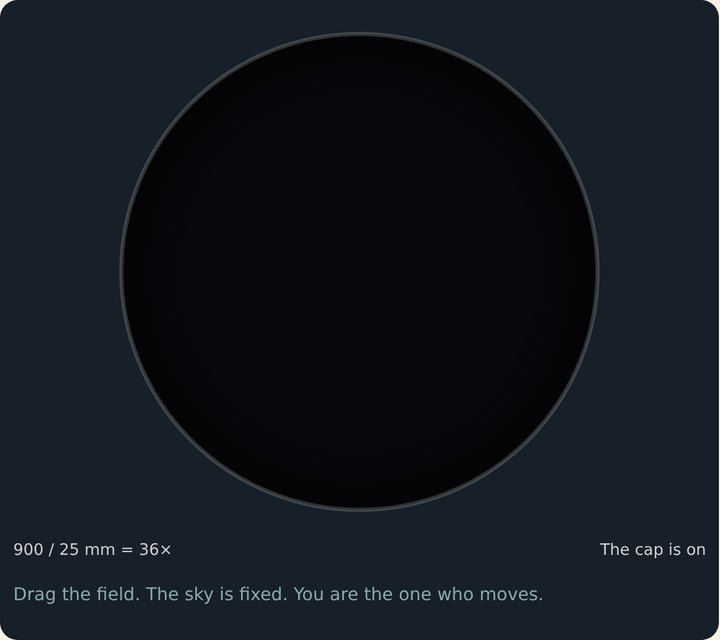 Cap onBlack. Take the cap off.
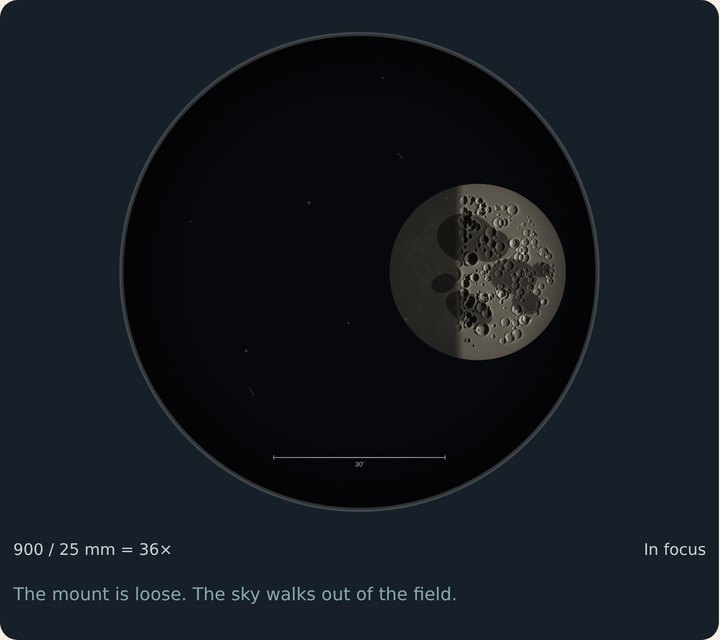 Mount looseThe sky walks out of the circle. Lock the mount.
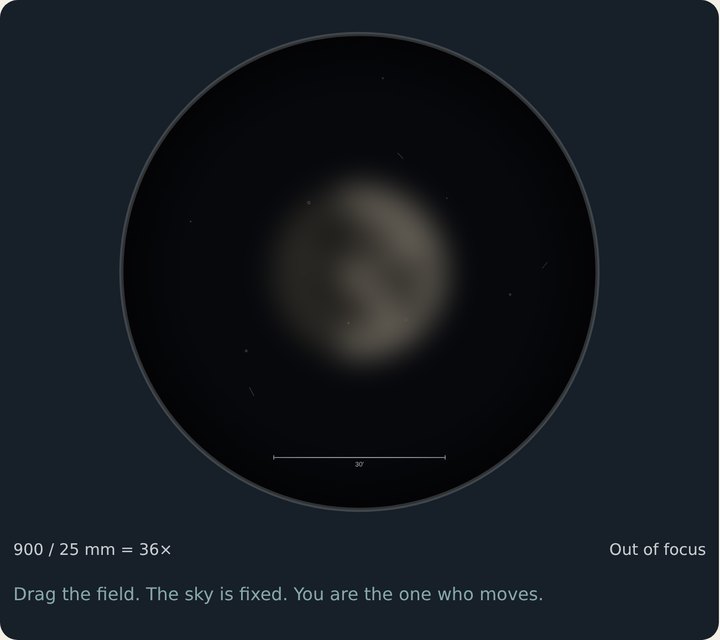 Out of focusKeep sliding Coarse.
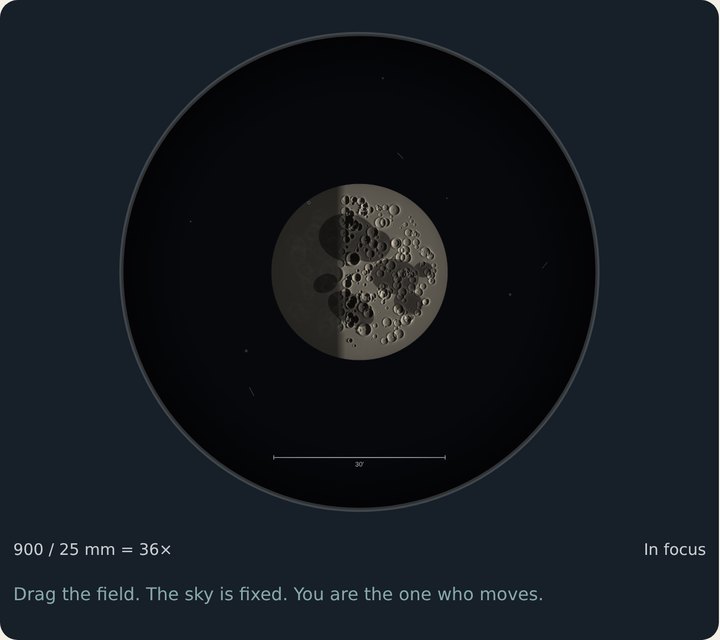 In focusThe whole Moon fits. Done.
2See more Mission
10 mm, then 6 mm. Every eyepiece change throws the focus off — fix it with Fine.
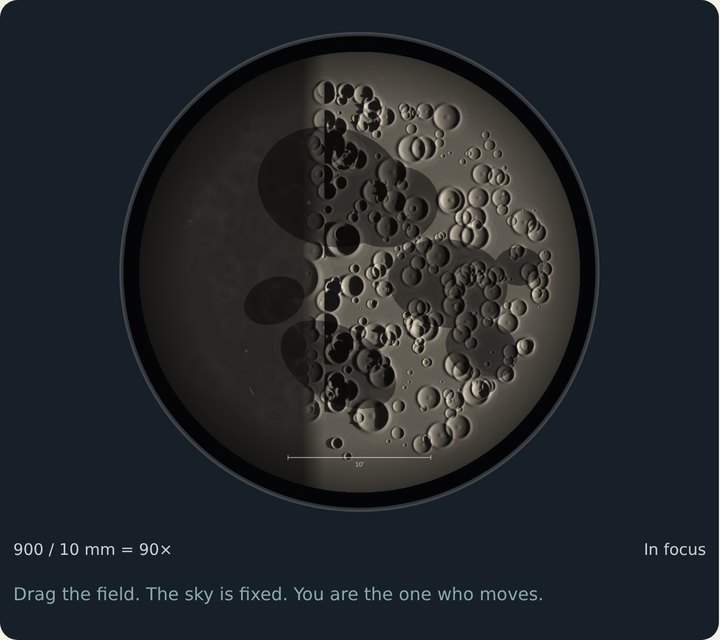 10 mm = 90×The Moon no longer fits.
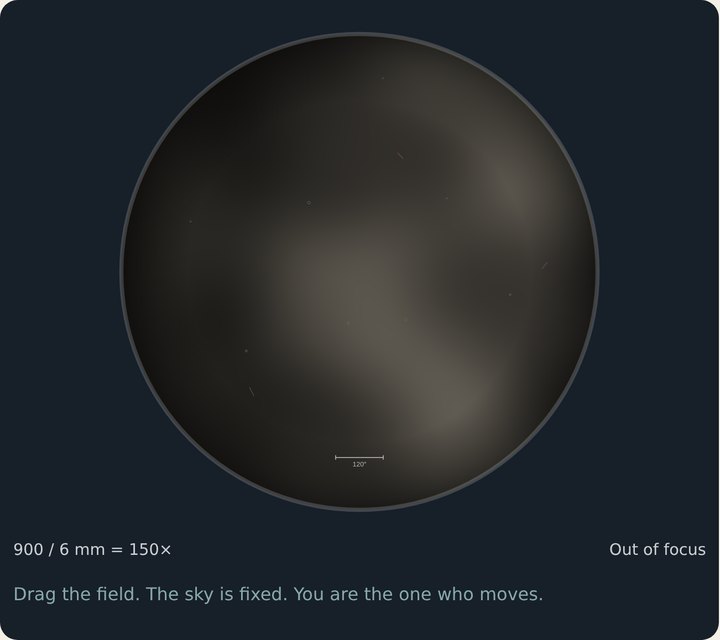 6 mm, blurryChanging the eyepiece moved the focus.
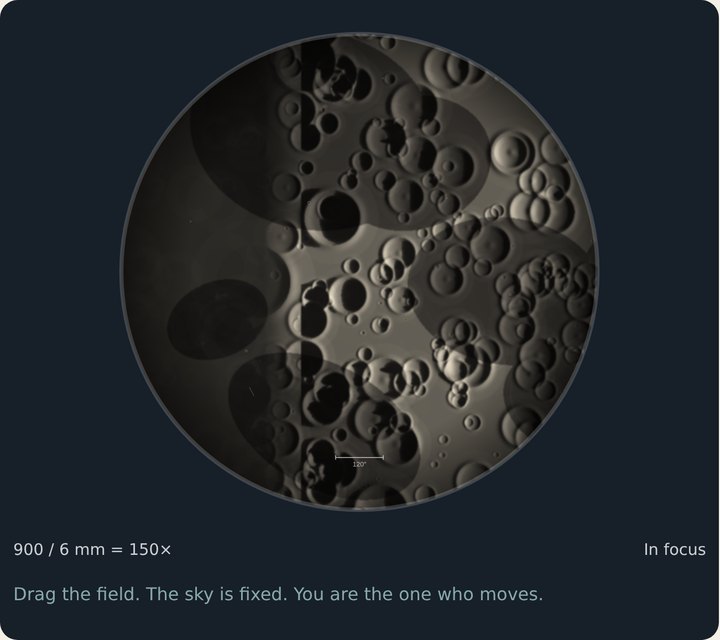 6 mm, sharpFine knob. Craters.
3Change what you see Mission
Target: Jupiter, then Orion. Use the 10 mm or the 6 mm.
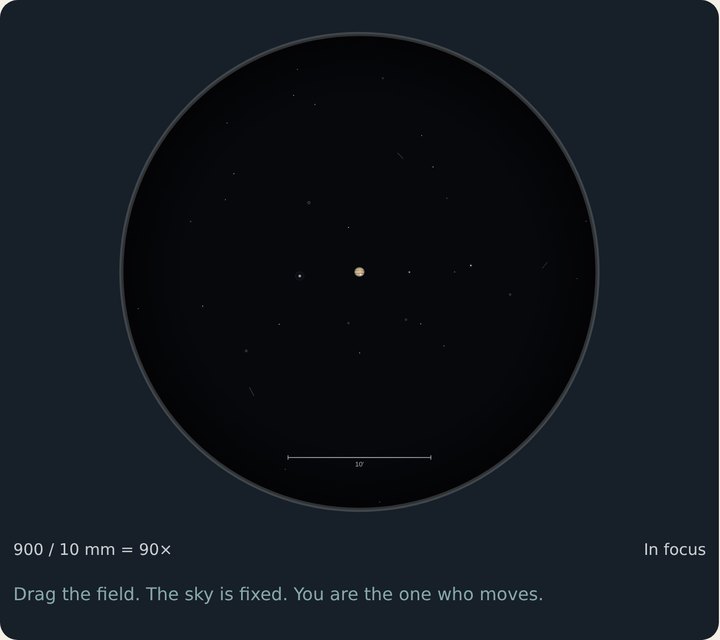 Jupiter, whole viewSmall, even at 90×. Look in the middle.
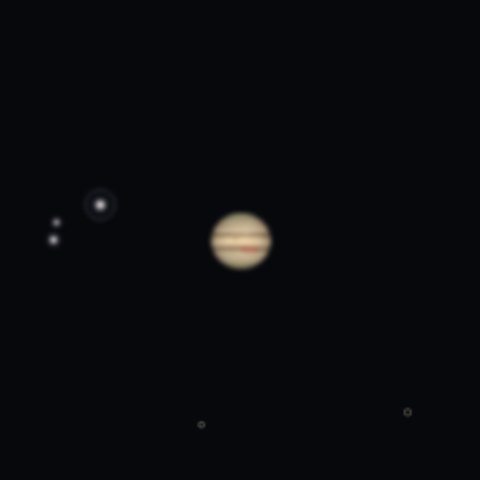 Jupiter, close-upA striped bead.
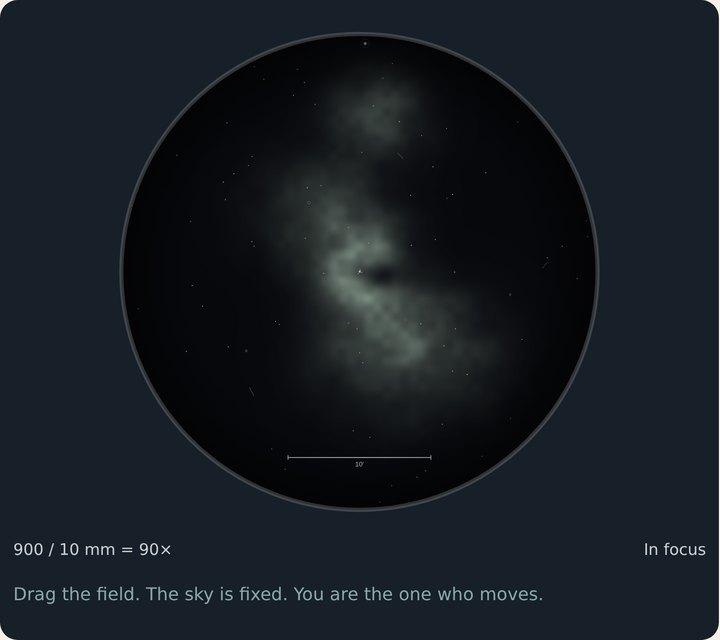 OrionA gray cloud and four stars.
The colors in the famous photos come from hours of camera time. Your eye sees gray.
4Measure Mission
Reticle: Measure. Tap two points at 90× or 150×.
Reticle: MeasureThen tap two points. Don’t drag.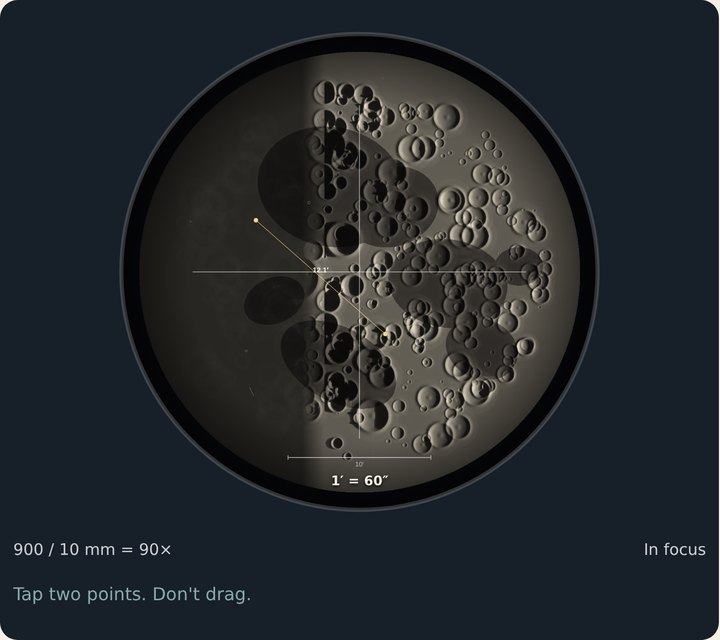 Two tapsRead the answer in arcseconds (″).
5What can’t this telescope see? Mission
Target: The sea — where they landed. 6 mm. In focus.
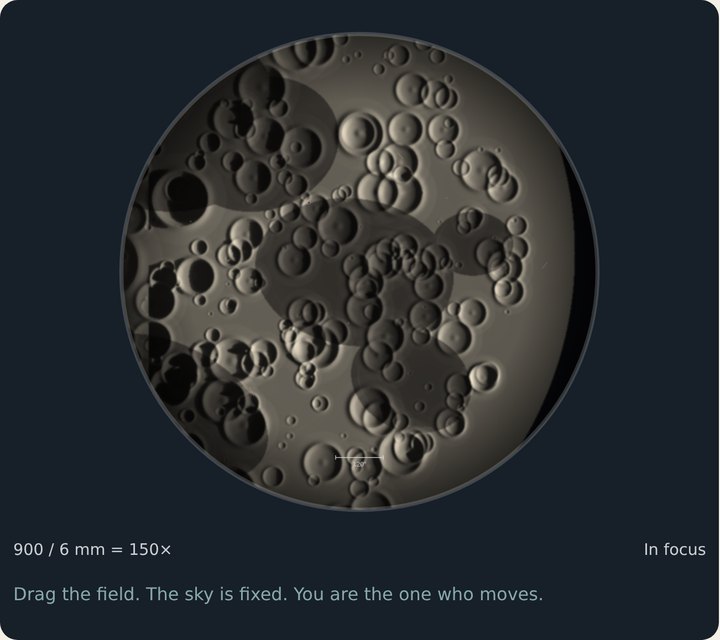 The landing sea at 150×Look as hard as you like. There is no lander.
The honest ceiling
The lander is 0.002″ across from here. This telescope can split about 1.3″. That is hundreds of times too small. Bigger magnification does not change it.
6The research bench Mission
Albireo splits. The 1.0″ pair does not. The Barlow makes the smear bigger.
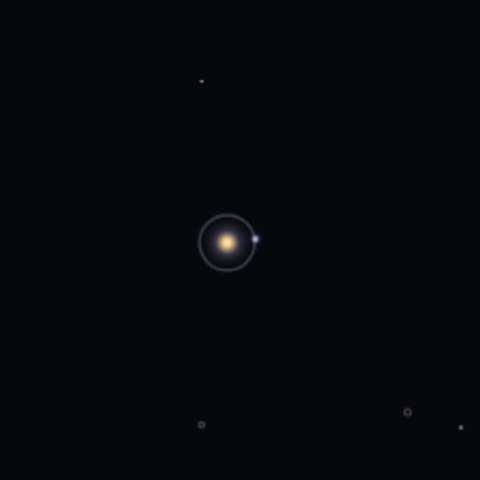 Albireo, 90×Two stars: gold and blue. It splits.
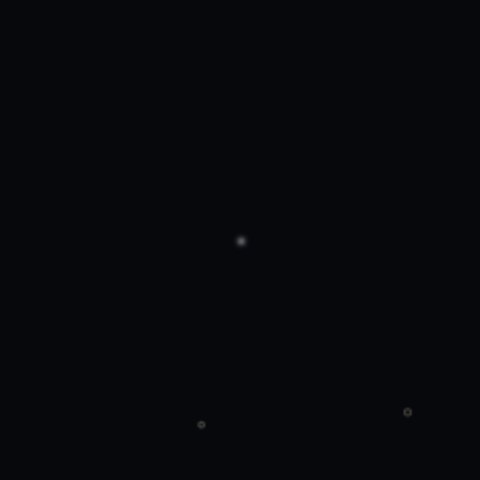 The pair, 150×One dot. 1.0″ is under the 1.3″ limit.
 The pair + Barlow, 300×Bigger. Still one. Larger is not finer.
The pictures above are close-ups of the middle of the eyepiece.
!The Sun: only with the filter on the front
NEVER
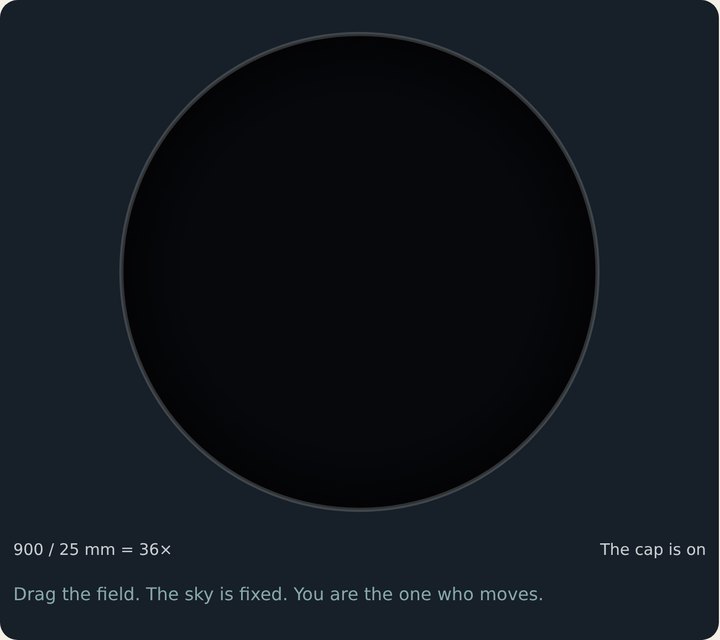 No filterThe cap stays on. An unfiltered Sun burns the eye.
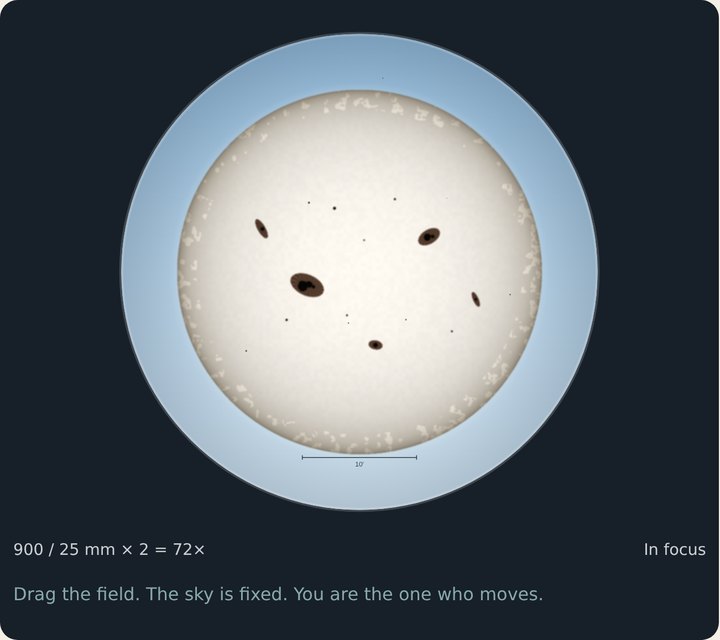 Solar filter: FrontNow it is safe. Those dark spots are sunspots.
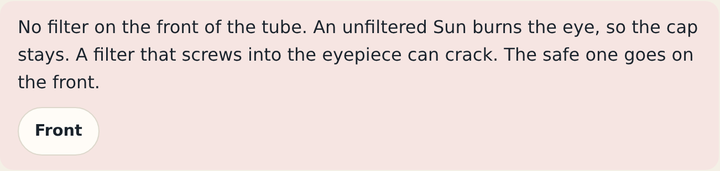 What the screen saysPress Front to put the safe filter on.
 Solar filterOnly Front. A filter in the eyepiece can crack.
?Something looks wrong
- The circle is blackLens cap: Off. (On the Sun, the filter goes on first.)
- The sky slides out of the circleMount: Locked.
- Blurry after changing the eyepieceThat always happens. Use Fine.
- Can’t find itTap the target button again; it re-centers. Or drag the field.
- The Barlow didn’t helpIt makes things bigger, not finer. That is the lesson.